
Blur Your Home.
Protect Your Family.
We remove your home from Google Street View and other public platforms — so strangers can't find you.
- 100% Done For You
- No Paperwork For You
- Money-Back Guarantee
Secure Checkout • Takes 2 Minutes
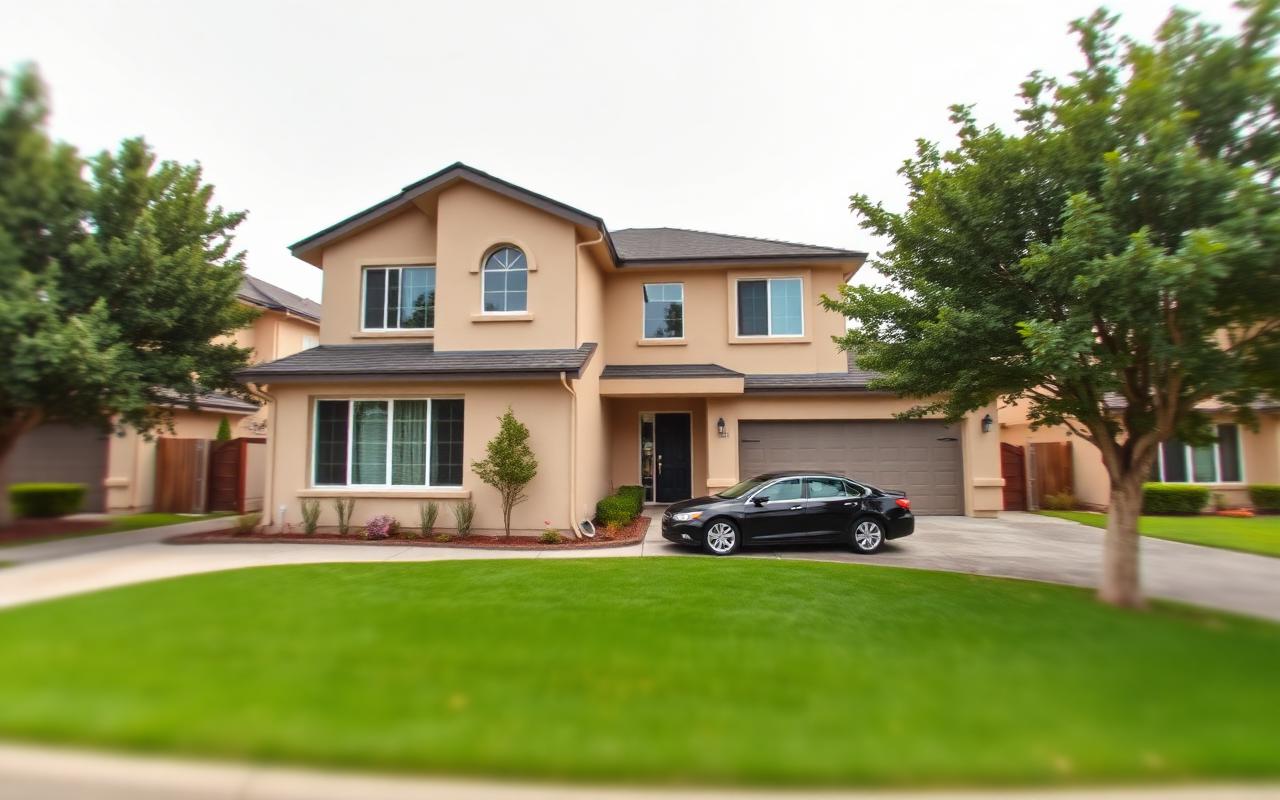
Your home. Your privacy.
We make it disappear.
Simulated example. You'll receive your real before/after screenshots when your request is completed.
Real homes. Really blurred.
Not mockups. Actual screenshots from Google Street View after our clients requested a blur — this is exactly how your home will look.
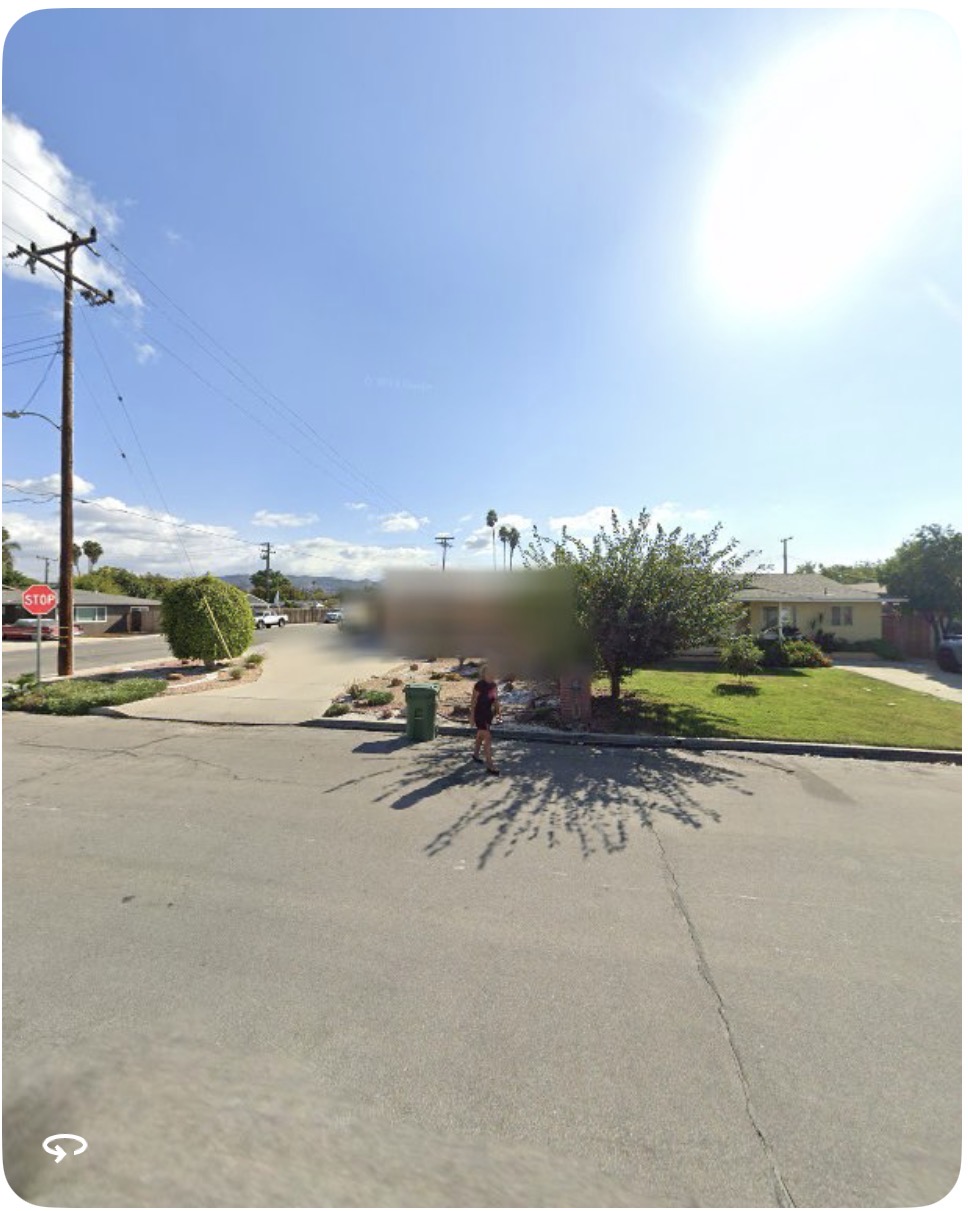
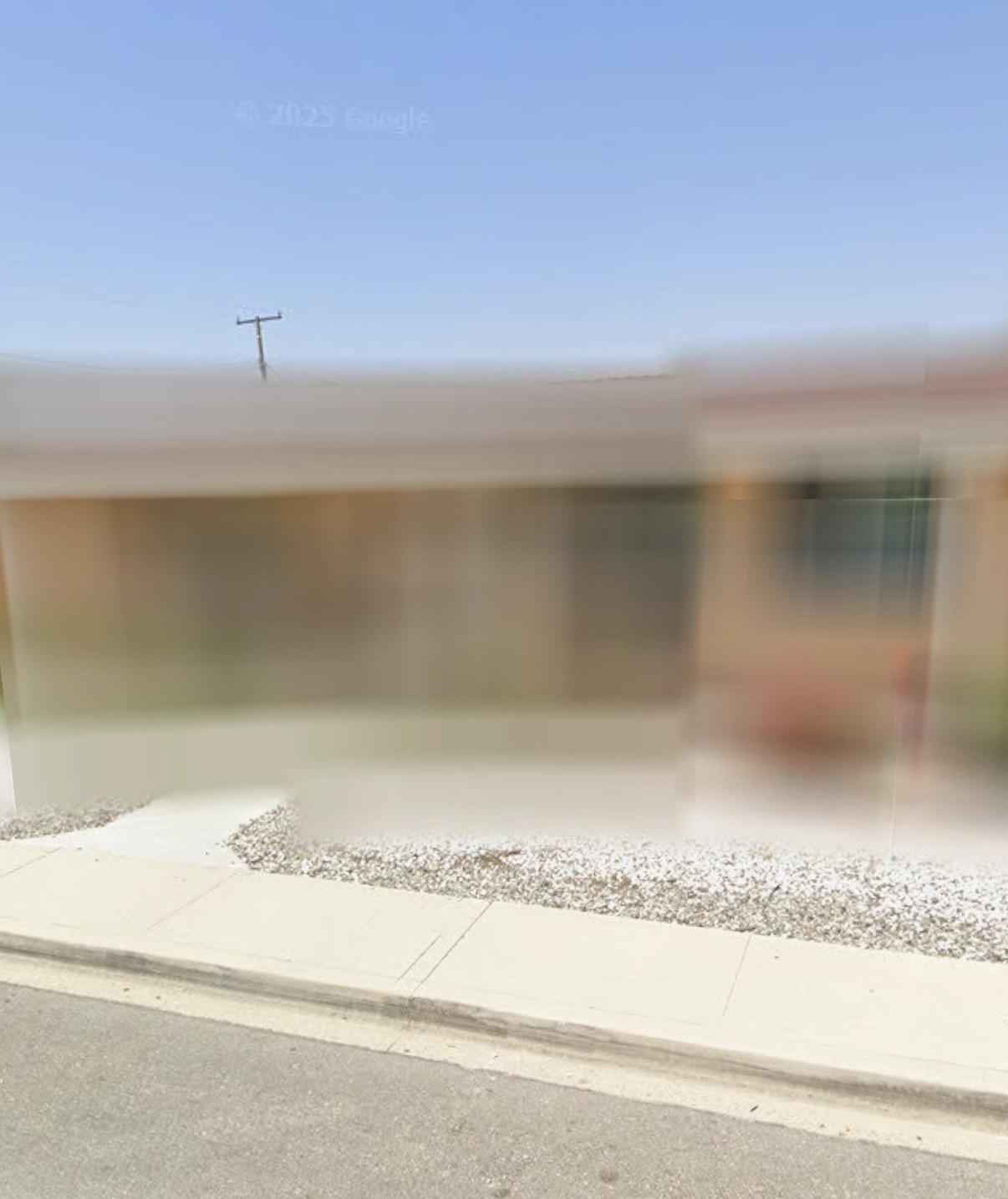
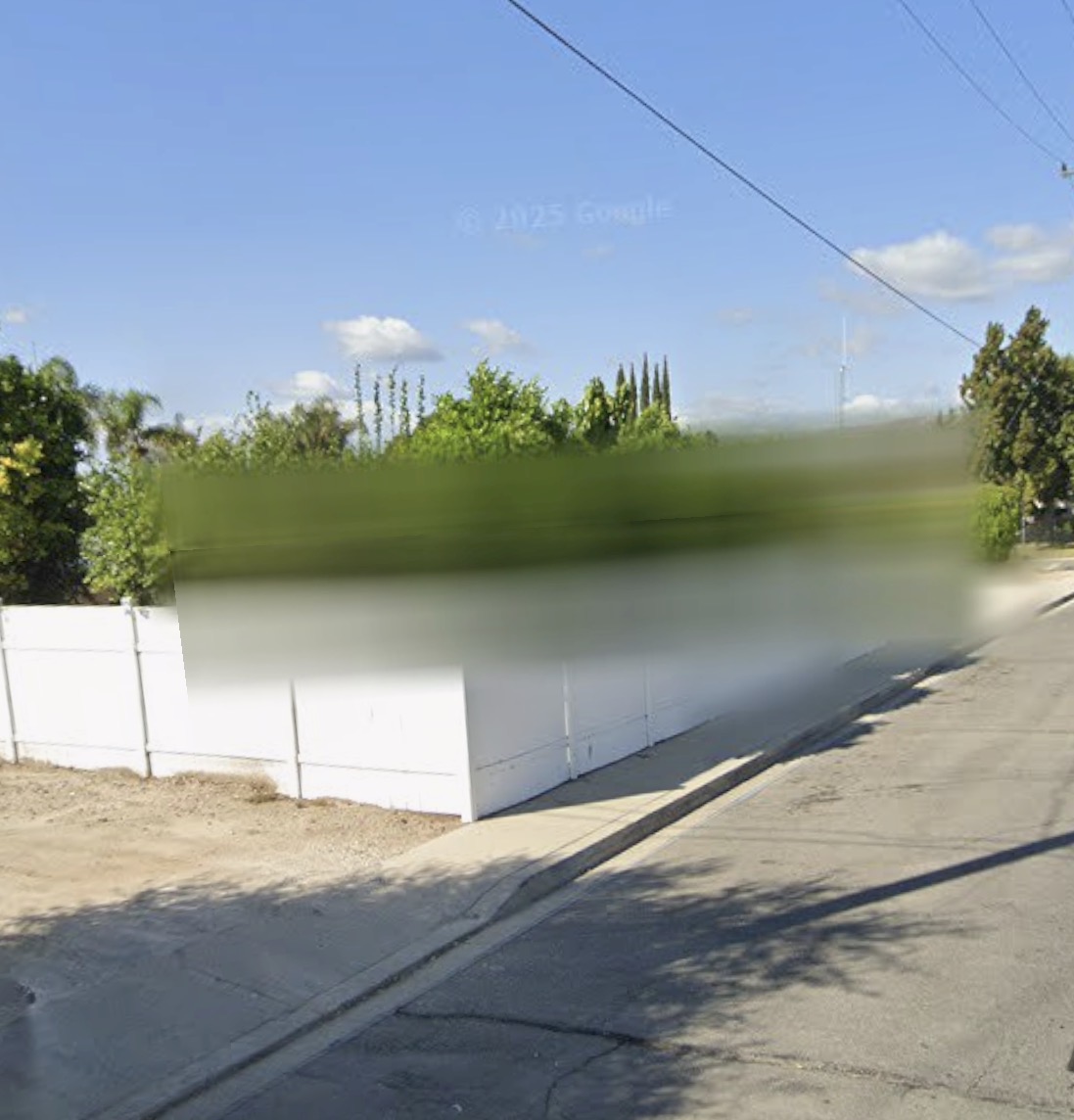
Actual Google Street View results from a completed request.
Why Homeowners Choose Us
Protect Your Family
Keep your home address and details private.
Stop Unwanted Visitors
Reduce the risk of stalking, theft, and harassment.
Remove From Street View
We remove your home from Google Street View.
Keep AI From Looking
Blurred imagery can't be scraped into AI datasets or mined for details about your home.
Why protect your home
Your home, on display
Street imagery shows your entrances, windows, cameras and gates to anyone, anywhere.
Address = access
Anyone who gets your address — a stranger online, a scammer — gets a free virtual tour of your home.
The spam pipeline
Data brokers sell your address bundled with your name and phone number. That's how cash-for-homes callers, solar spam and junk mail find you. Blurring closes the window; our Family Privacy Shield removes the broker records too.
See Family Privacy Shield →
Privacy is peace of mind.
We handle everything so you can focus on what matters.
Our Simple 3-Step Process
- 1
You Place Your Order
Enter your address and checkout.
- 2
We Handle Everything
We submit removal requests and follow up.
- 3
Your Home Is Removed
We confirm once your home is blurred from Street View.
Yes, you can do this yourself. Here's why most people don't.
DIY (FREE)
StreetPrivacy
Cost
$0
One-time fee
Time investment
You research, submit, and follow up
About 60 minutes, start to finish
Panorama selection
You pick the right one(s)
We identify every panorama showing your home
Proof of address
You format and submit
We prepare and submit
Rejections
You retry or give up
We resubmit until approved
Multiple angles / streets
You submit each separately
Included
Status tracking
You check manually
Email updates
If it fails
You're out the time
Money-back guarantee
The blur is Google's. The work is ours.
Your privacy is our priority.
Secure Checkout • Takes 2 Minutes
Choose Your Level of Privacy
Start with Street View, or protect your whole household.
Standard
Google Street View blur.
$29.99one-time
- Google Street View removal
- Expert handling of requests
- Email status updates
- Money-back guarantee
Complete Home Privacy
Every major mapping service, plus old listing photos.
$99.99one-time
- Everything in Standard
- Apple Look Around removal
- Bing Streetside removal
- Old listing-photo removal on Zillow, Redfin, Realtor.com (best-effort)
Family Privacy Shield
Ongoing protection for the whole household.
$299first year
Renews at $12/mo after year one.
- Everything in Complete Home Privacy
- Data-broker opt-outs: Whitepages, Spokeo, BeenVerified, Radaris, MyLife, and more
- Quarterly re-scans — brokers repopulate, so we keep removing you
- Priority support
- Covers up to 2 adults
Listing-photo removals on Zillow, Redfin, and Realtor.com are best-effort — each platform sets its own policy. Data-broker opt-outs need to be repeated because brokers repopulate; that's why Family Shield is a subscription.
Be one of our first 25 founding customers
Get 20% off any package and priority processing. In exchange, we'll ask for your honest feedback when your order completes — and permission to feature it.
Our guarantee
We submit the exact blur region you approve and follow up until Google processes it — or you get a full refund.
How we verify ownership
Every order is manually reviewed before we submit anything to Google. We require proof of address, a legal attestation, and — for tenants — your landlord's contact so we can send them a courtesy notice. If we can't verify you're the owner (or an authorized tenant), we cancel and fully refund. This protects you and your neighbors.
- Proof of address required (utility bill, lease, or bank statement)
- Legal attestation under penalty of perjury
- Human review of every order — no auto-submission
- Full refund if verification fails
Frequently Asked Questions
Trusted. Secure. U.S. Based.
U.S. Based Support
Veteran Owned
Secure Checkout
Privacy Focused
OUR STORY
Why StreetPrivacy exists
It started with a breaking point.
Our founder got tired of watching his privacy leak away — his home on display to anyone with an internet connection, his phone ringing with cash-for-homes callers, his mailbox stuffed by marketers who bought his address from data brokers.
He looked into fixing it.
The tools existed — scattered across a dozen platforms, buried in settings, tedious enough that almost nobody follows through. So he built the service he wished existed: one place that handles all of it, done right, with proof.
Our mission:
help Americans take their privacy back — one home at a time.